①
A short about the sea
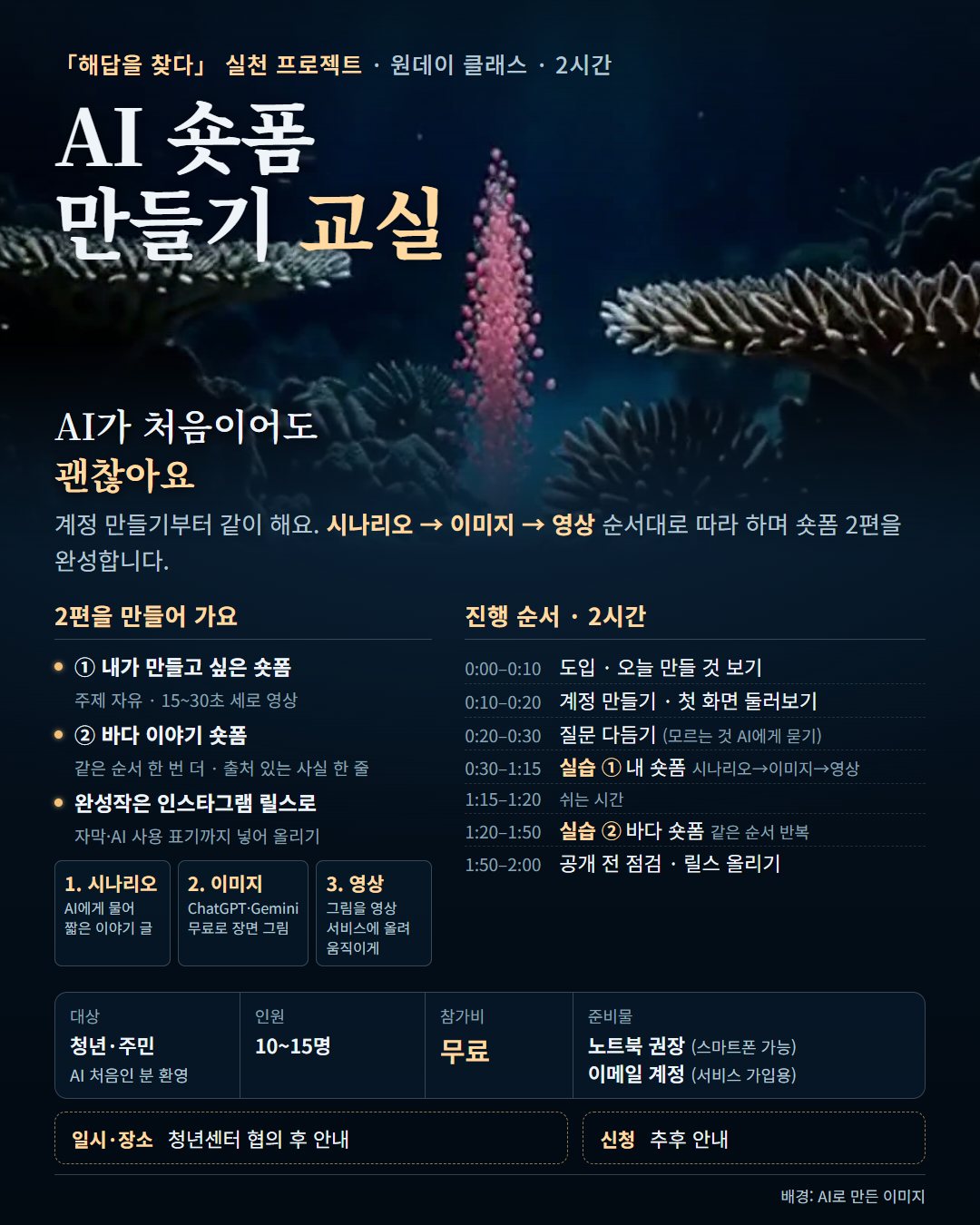
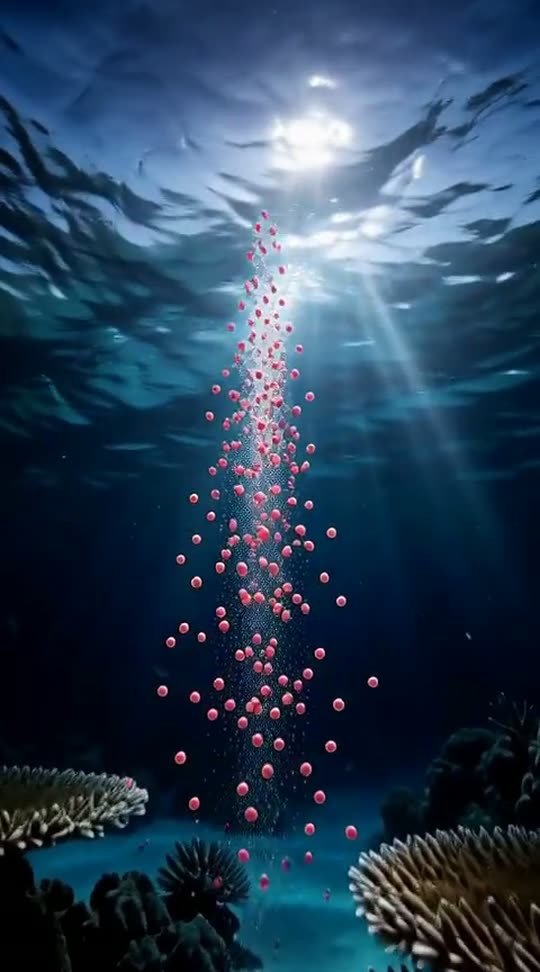
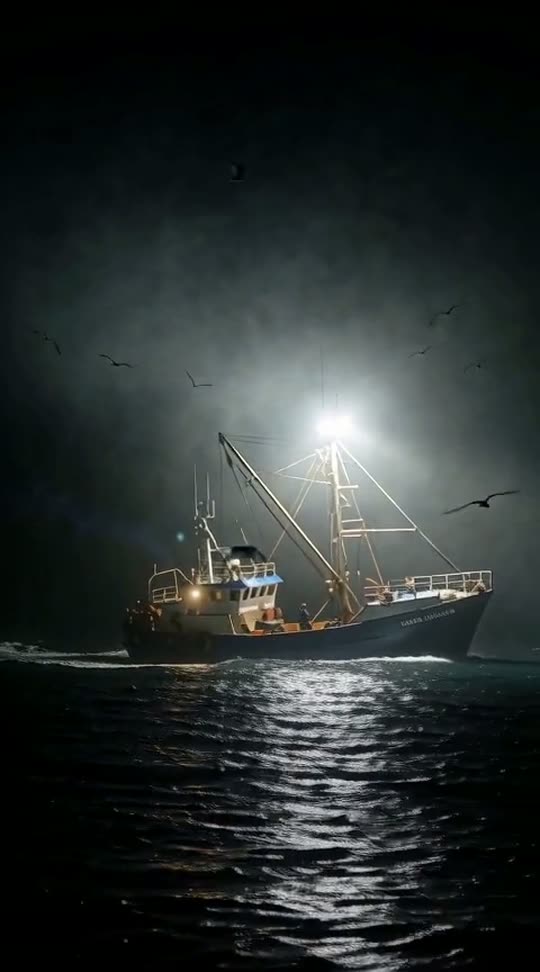
First we look at three facts about sea life and artificial light, then make a sea short together, step by step, using one sourced fact.
「Haedap — Finding Answers」 × one-day class
Never used AI before? That's fine. We set up accounts together, keep the talking short and spend most of the two hours making. You leave with two finished vertical shorts.
Date and sign-up: to be announced. Venue: Goamgil Cafe 2F, Yangju. · Background: AI-generated image.
01 What you'll make
①
First we look at three facts about sea life and artificial light, then make a sea short together, step by step, using one sourced fact.
②
After the break, use the same flow to make whatever you like — your club, your neighbourhood, your pet.
Each short: five or six 5-second clips joined into 25–30 seconds, vertical, with captions and an AI disclosure.
02 How it works
Three steps in a fixed order, so nobody gets lost. We do short ① together; short ② repeats the same steps on your own.
A Scenario
Tell an AI chat service your idea in one line (we'll give you the address on the day). It writes a few sentences of story — five or six moments, start to finish. You keep what you like and change the rest.
B Image
In the same AI chat, make the opening image of each moment for free. Fix anything that looks wrong before moving on.
C Video
Upload each image to the AI video service and make a 5-second clip (image-to-video). Make one first to try it, then five or six in all. Join them in the order you made them with a phone editing app (e.g. the Instagram Reels editor or CapCut), add captions, and your story is done. The AI video service is provided by the organisers.
Nothing runs on your laptop — the AI work happens in online services, and you join the clips on your phone.
03 Schedule
Times count from the start of class and may shift a little on the day.
Each clip takes a few minutes. While clips render, you write captions.
04 What to bring
05 After class
Your shorts are yours. The default is to post them on your own Instagram as Reels — we'll go through it together at the end of class.
06 Apply
Once the date is set, the sign-up link will appear here.
Apply